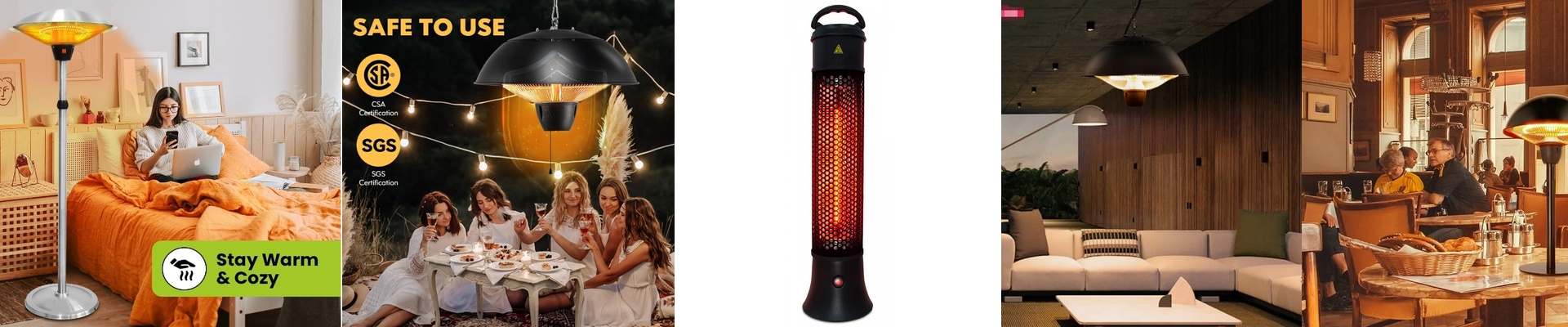
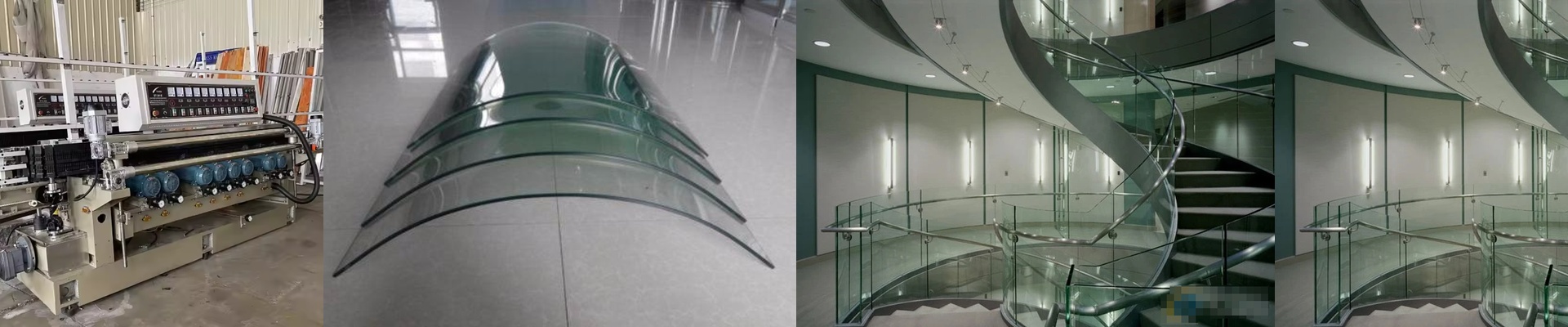
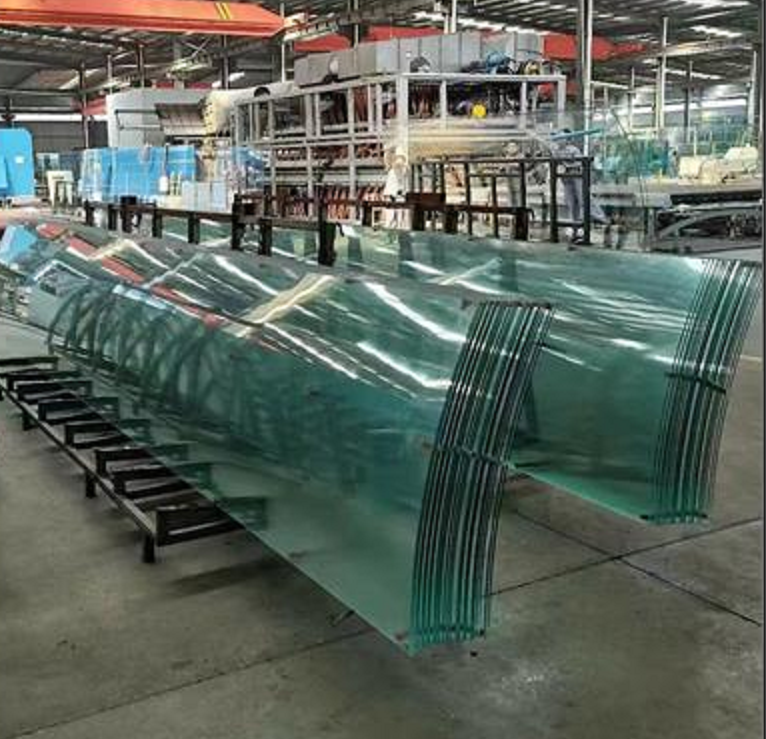
When you’re bringing infrared (IR) heating into your glass screen-printing and tempering line, it all comes down to how you handle the heat. It’s a bit of a balancing act. You need enough heat to get the ink cured and the surface tension sorted, but if you go overboard—or if the heat hits the glass unevenly—you’re in trouble. You’ll either end up with blurry prints or, worse, internal stress that makes the glass shatter on its own. Not a great look. Keeping the patterns sharp We stick with short-wave IR lamps because they hit the ink layer directly. You don’t want to soak the entire slab of glass instantly. If you do, the ink starts “bleeding” and migrating across the surface. The trick is in the wattage per linear centimeter. That’s what controls how fast the surface hits its curing temp. Get it too high? The ink boils. Too low? Your curing takes forever and your whole line slows to a crawl. Smoothing out the stress Tempering is all about getting that compression layer just right on the surface. Think of our IR support heaters as a buffer. By controlling how the temperature ramps up, we make sure the glass doesn’t go into shock when it moves from the printing stage into the tempering furnace. We’re chasing uniform radiant heat here. If you get “cold spots,” the glass warps. Simple as that. The messy reality of running the gear Now, high-output quartz lamps are great for fast cycles, but they’re fragile. Here’s a big one: tell your operators**do not touch the tubes with bare hands.**The oils from your skin create hot spots on the quartz, and that’s how they crack. Plus, running these things at full blast puts a lot of pressure on your cooling fans. If your ventilation isn’t up to the task, the ambient heat builds up and your electronics will start to drift or just quit on you. To keep things stable during a 24/7 run, we usually suggest a dedicated cooling loop for the lamp housings. It just saves you the headache.